SET THE BASELINE
Record Scope
Capture what the customer originally approved.
Six clear steps keep the agreement, project activity and commercial decision connected.
Join the Pilot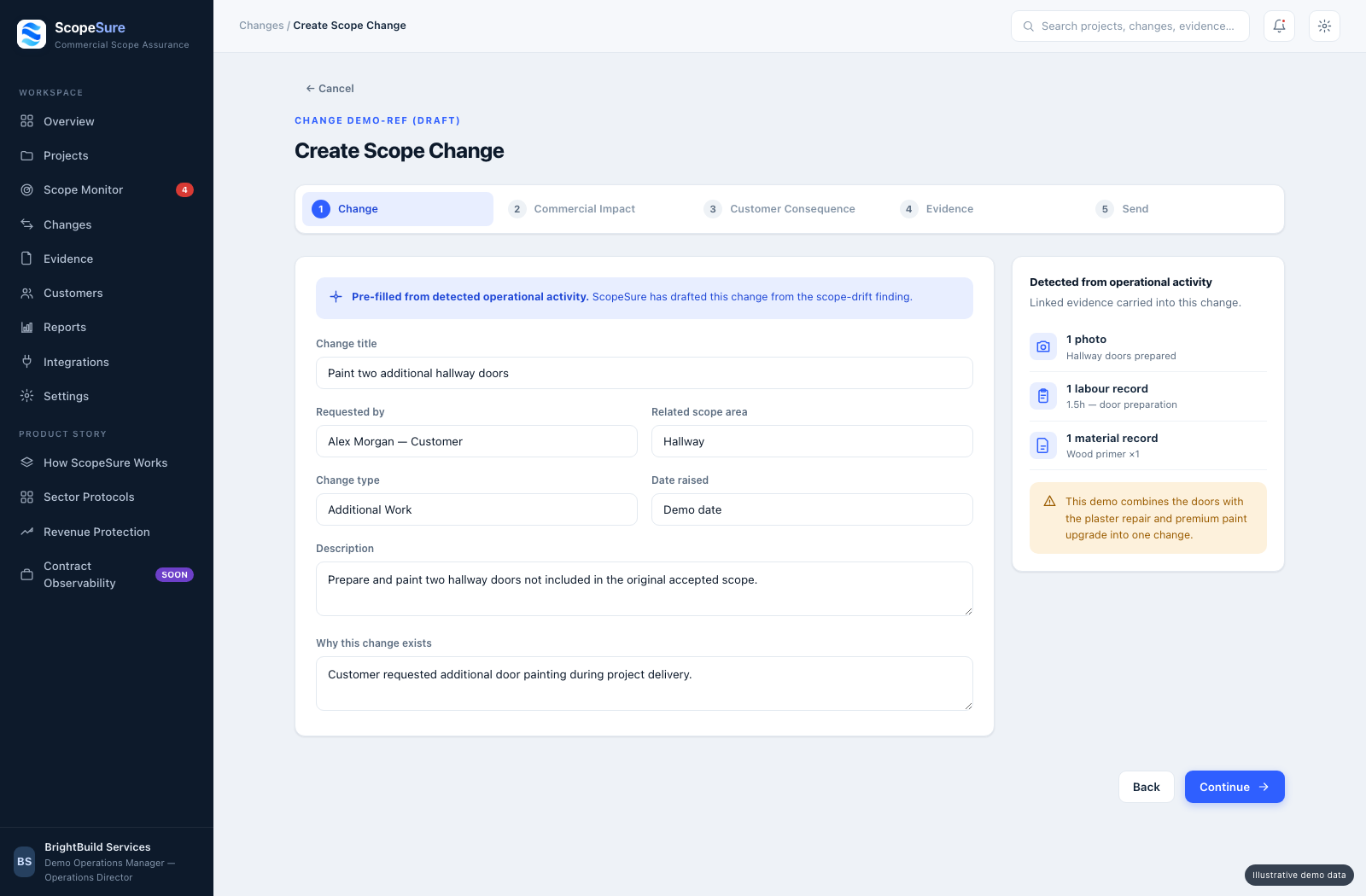
Capture what the customer originally approved.
Connect project activity and evidence to the approved scope.
Flag activity that may fall outside the approved scope.
Record additional work, price and time impact.
Send a mobile-friendly approval link.
The approved change becomes part of the project record.
Potential mismatches are brought to a person for review. ScopeSure does not automatically determine legal liability.
The customer sees the additional work, price and time impact through a mobile-friendly approval link.
Once approved, the change becomes part of the authorised scope with its evidence and timestamp.
ScopeSure moves change approval to the moment the change happens.
Request a Demo